Free · No Signup · Runs in Your Browser
Free ATS Resume Builder - Download PDF in Minutes
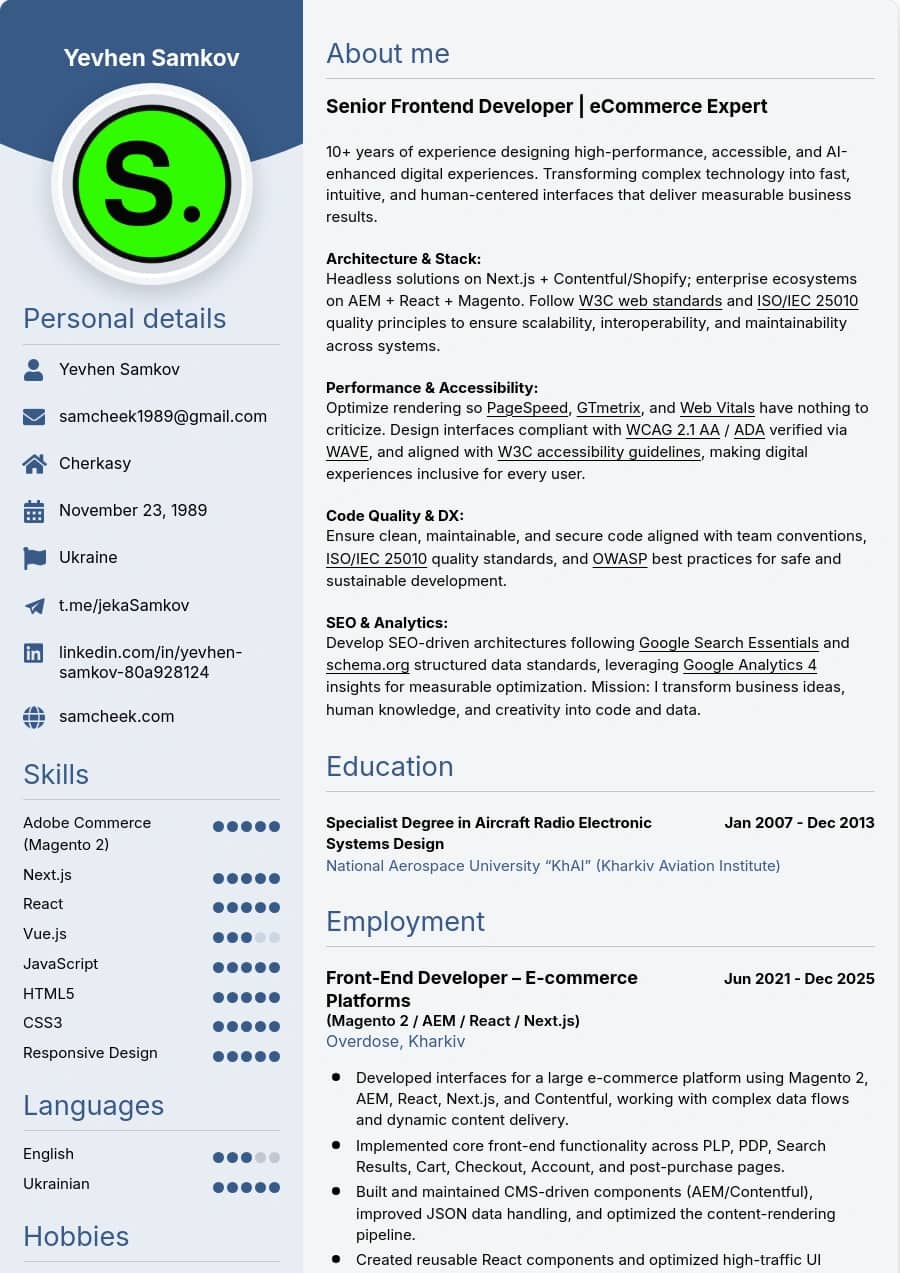
4 ATS-friendly templates, live PDF preview, and direct export - all client-side. No account needed, no data sent to a server. Built by a senior frontend architect with a focus on performance and accessibility.
Resume Builder FAQ
Is this resume builder really free?
Yes, completely free. You can create, customize, and download your resume as a print-ready PDF at no cost. No credit card, no account, and no watermarks - just fill in your details and export.
Can I upload my existing CV PDF to auto-fill?
PDF import is not available yet - filling in fields manually takes about 5 minutes. Once done, you can switch templates, adjust colors and fonts, and export a clean PDF whenever you need.
Are the templates compatible with ATS systems?
Yes. All templates use standard heading hierarchies, clear section labels, and readable text blocks - the same structure that ATS parsers like Greenhouse, Lever, and Workday reliably extract candidate data from.
Can I switch language and keep my resume content?
Yes. Switching the interface language keeps your resume data intact, in any of the three the site runs in. You can write the content in one language and read the interface in another, switch templates, and nothing you have typed is lost.
Where is my resume data stored?
In your own browser, and nowhere else. The draft lives in local storage on the device you are using, so there is no account to create and nothing is uploaded to a server. That has a trade-off worth knowing: clearing site data or switching to another browser starts you from an empty form, so download the PDF once you are happy with it.
How do I get the PDF out?
Through your browser's own print dialog, which is why the output is crisp at any zoom rather than a flattened image. Choose Save as PDF as the destination. Two settings decide whether it looks right: leave margins at default and turn off headers and footers, otherwise the browser prints its own page numbers and the file URL over your layout.
Which template should I choose?
There are four, and the choice is about where the resume is going. Pick ATS if you are applying through a company portal or a job board, since it keeps the structure a parser reads most reliably. Classic and Modern are for a human reader, a direct application or an attachment to an email. Compact is the one to reach for when your experience runs past a single page and you would rather not cut it.